Elegant Maxi Outfit Studio

Reviews
Elegant Maxi Outfit Studio focuses on creativity rather than competition. Its rotating dress collection, categorized accessories, and quick-swap system make outfit assembly intuitive. The absence of scores or failure states suits players seeking a relaxing, self-directed activity. The main limitation is that the experience relies entirely on personal satisfaction, so those wanting goals or challenges may find it too open-ended.
Description
Building an Outfit Step by Step
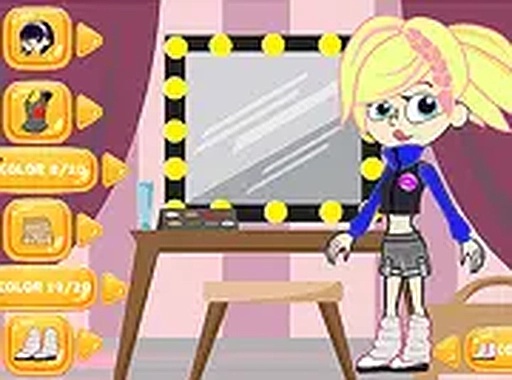
Elegant Maxi Outfit Studio starts with a rotating collection of full-length dresses. Each dress has its own color scheme and fabric pattern, ranging from floral prints to geometric designs. After selecting a base garment, players browse categorized accessories: handbags, necklaces, earrings, and footwear. These items are arranged in clear sections so options are easy to compare. The interface uses simple point-and-click controls, and there is no time pressure, so players can try combinations at their own pace.
Working with Color and Pattern
A central part of the experience is understanding how colors and patterns interact. The game encourages testing contrasting shades and complementary tones. You might pair a striped dress with a solid-colored clutch, or keep a monochromatic look for a sleek finish. Because there are no wrong choices, the game builds confidence in personal styling decisions rather than enforcing a single correct answer.
Layering Accessories and Footwear
Accessories are grouped by type, which makes layering straightforward. For example, a long pendant necklace can sit over a simple neckline while stud earrings keep attention on the dress. Shoes range from flat sandals to heeled options, and each choice affects the overall silhouette. The system allows quick swaps, so players can immediately see how a different bag or shoe changes the feel of an outfit.
Saving and Sharing Looks
Once an outfit is complete, players can save it to a personal gallery. Some versions of the game include options to share finished looks with friends through social platforms. This adds a social dimension, letting players exchange ideas and get feedback. The gallery also acts as a record of past creations, making it easy to revisit favorite combinations.
A Relaxed Creative Flow
There are no scores, timers, or objectives beyond personal satisfaction. That design choice makes the game suitable for unwinding. The absence of failure states means players can freely explore without worry. The gentle pace encourages thoughtful decision-making, and the visual feedback from each selection reinforces a sense of accomplishment.







Editorial Notes