SquadZ Action Blaster delivers fast-paced shooting action with simple controls and rewarding progression. Defeat enemies, collect coins, and upgrade your blaster to take on tougher challenges. The health pickups add a strategic layer, and the endless levels keep the gameplay fresh. A great choice for quick gaming sessions.
SquadZ Action Blaster is an exciting hypercasual shooter game that puts you in the middle of action-packed battles. Each level is called an area, and your goal is to move around the premises and defeat all enemies you encounter. The game tests your strategy and reflexes as you navigate maps, staying out of sight and attacking when ready. With coins dropped by defeated foes, you can purchase stronger, more accurate blasters in the main menu. Characters unlock as you level up by completing levels. Health pickups in the form of green plus signs are crucial for survival, often more important than coins. New levels are added regularly, ensuring endless fun.
In SquadZ Action Blaster, you control a character who must clear each area by defeating all enemies. Move around the map to avoid enemy projectiles and melee attacks. Your health bar depletes if hit, so stay hidden and strike when prepared. Collect coins from defeated enemies to buy better blasters. Pick up green plus signs to restore health. Advance to next levels with more enemies, requiring upgraded gear and careful tactics.
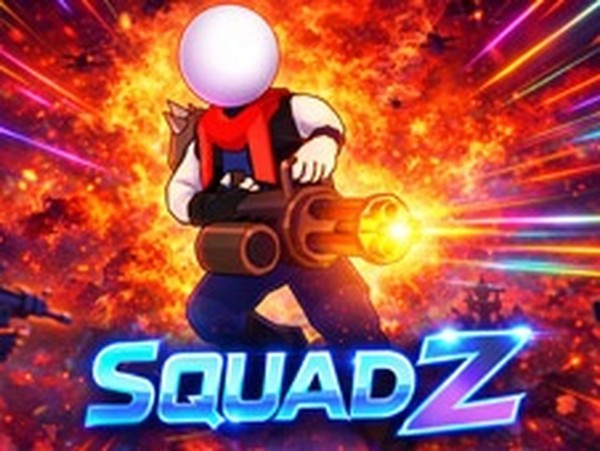
SquadZ Action Blaster includes fast-paced hypercasual shooting action, a blaster upgrade system, health pickups, and endless levels. The 3D stickman art style and tablet-friendly controls make it accessible on mobile devices. The ability to unlock new characters as you progress adds variety, and regular content updates keep the experience fresh.
To excel in SquadZ Action Blaster, focus on movement and positioning. Use cover to avoid enemy fire and plan your attacks. Prioritize health pickups over coins when low on health, as staying alive is key. Save coins for the most effective blaster upgrades. Practice each area to learn enemy patterns and improve your reflexes. Regularly check for new levels to keep challenging yourself.